The game where every quest teaches something real.
QuestCraft is a 3D world to explore, build in and race through. Along the way, players learn about careers, money, driving, science and kindness. Questions get harder as they level up, so it grows with them from age 5 to adult.
No download needed on a computer. iPhone and iPad version coming soon.
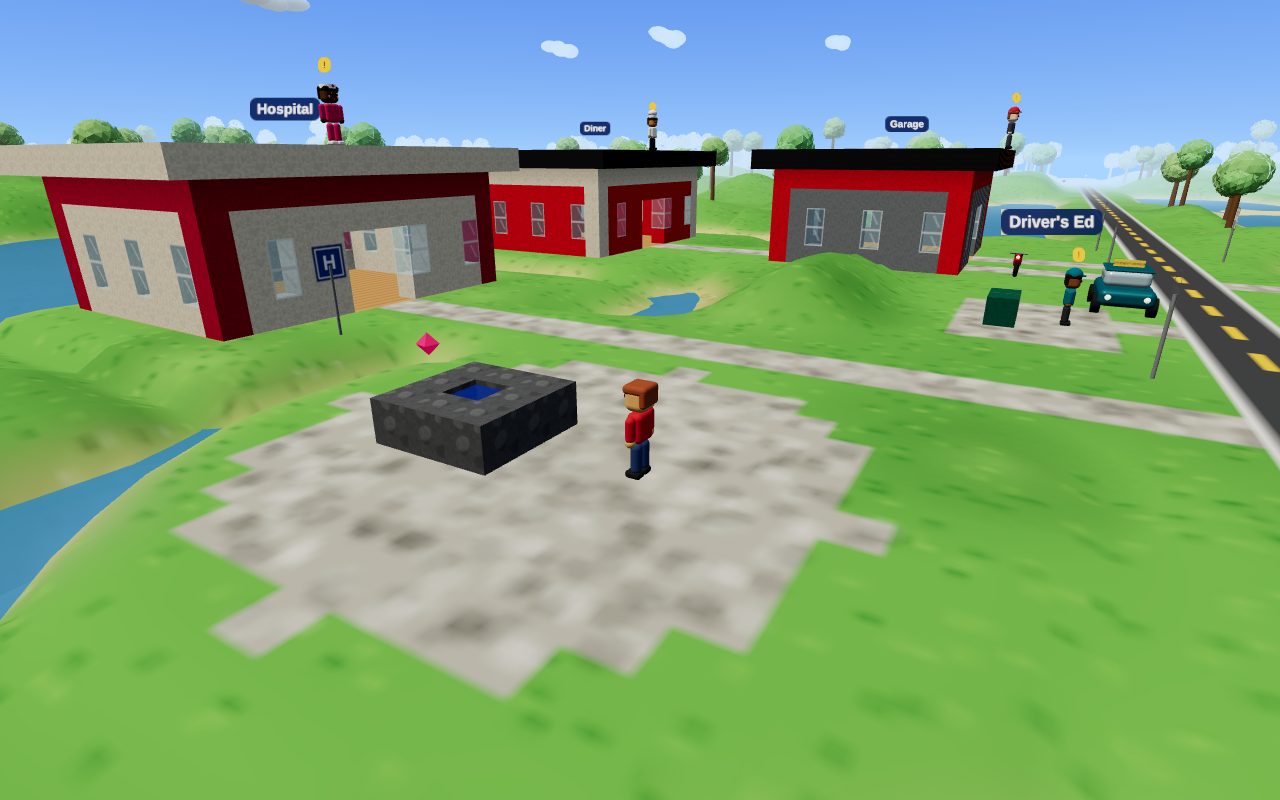
Screen time you'll feel good about.
For parents
Your kids get the game they asked for, and they learn while they play it.
- Read-aloud questions and voice answers for early readers
- Daily quests and streaks that reward learning, not just playing
- A weekly email showing what they learned
- Bedtime Stories with a calm read-aloud voice and sleep timer
- Purchases can be off, or capped at a monthly limit you set
For teachers
A free classroom mode that runs on any device, with nothing to install.
- Students join with a 6-letter class code, with no email needed
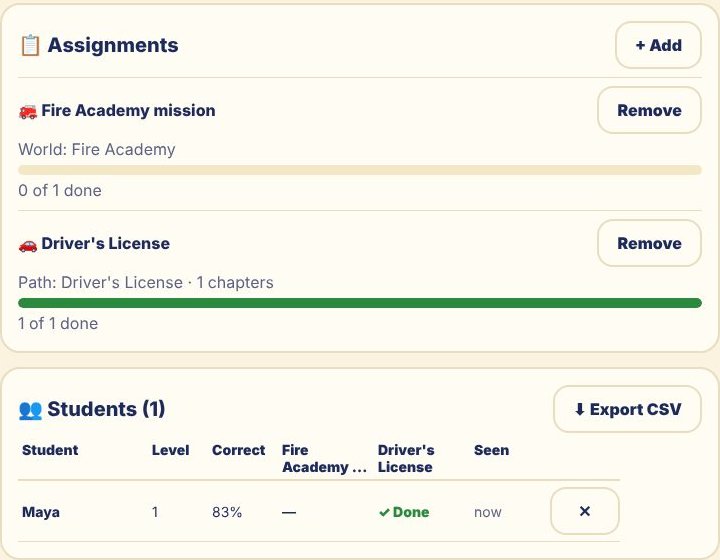
- Assign a world mission or a learning path
- See each student's progress and score in one roster
- Export to CSV for your gradebook
For teens & adults
Master mode skips the cartoon questions and gets into the real material.
- Driver's license prep with a practice exam
- Saving, investing and running a business
- Career paths from electrician to veterinarian
- Parkour leaderboards, and horses to tame and ride
Learning is how you win.
Questions aren't a quiz bolted onto a game. They open gates, power up vehicles and unlock the next stage, so getting them right is the fun part.
Pick a world
Farm Valley, Mars Colony, Ancient Egypt, Hope Hospital and 46 more, each built around a real subject.
Take on the mission
Put out fires, clean a beach or run a lemonade stand, with mentors who teach along the way.
Answer to move forward
Questions unlock gates and boosts. Read them, or say the answer out loud.
Review what you missed
Missed questions come back later, spaced out until they stick.
Five stages per world, each one harder
Every world starts with easy questions and a small mission. Clear a stage and the next one brings tougher questions, more right answers to earn and a bigger mission. Players can see their progress, and the step up feels like a promotion, not a punishment.
50 worlds. A world for every subject.
QuestCraft Town plus 50 themed worlds, from careers and science to history, world religions and the arts. Each has mentors, a mission, memory-match puzzles and animals to tame, and up to 30 friends can play in one together.
🧑🔧 Careers 11 worlds
🔬 Science & nature 17 worlds
🧮 Math, money & tech 5 worlds
💛 Life skills 5 worlds
🏛️ History, cultures & civics 9 worlds
🎨 Reading, languages & the arts 3 worlds
📖 Faith 1 worlds
Plus 6 parkour challenges.
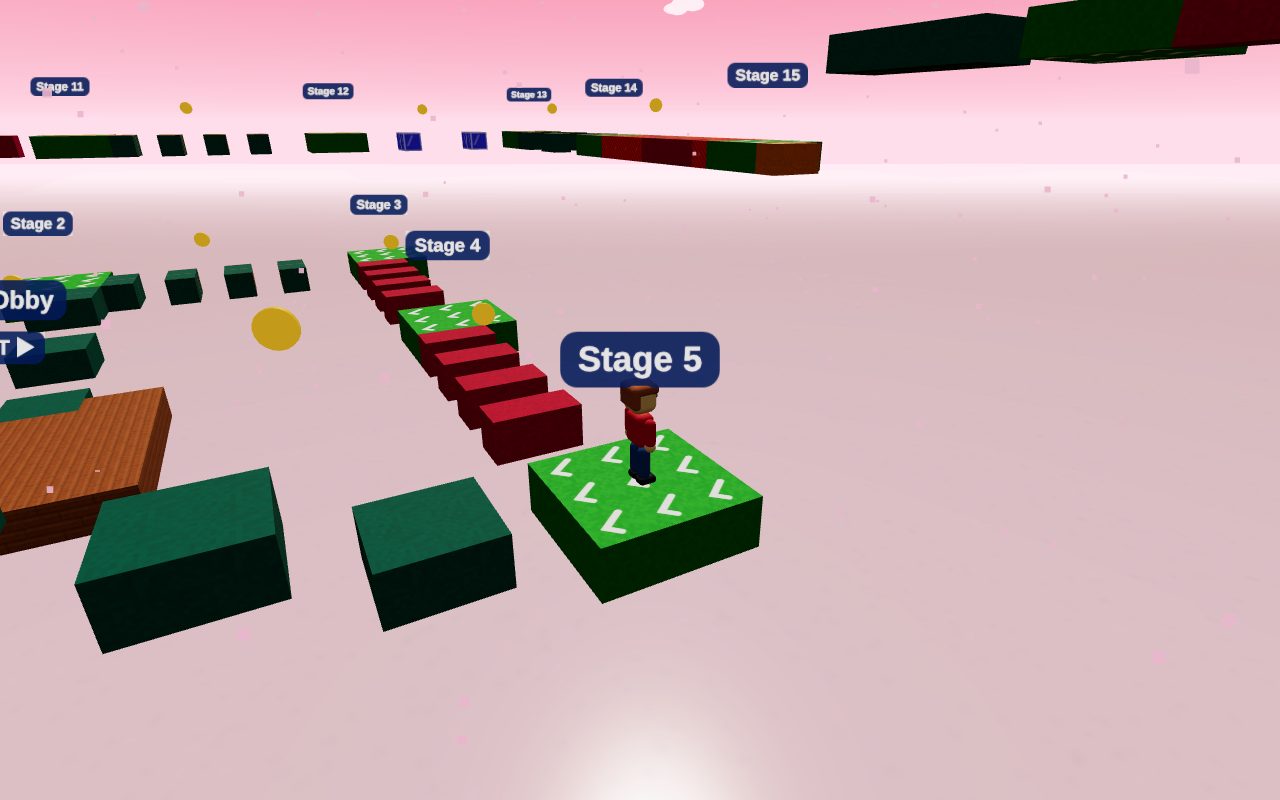
The obbies kids already love, with kill bricks, bounce pads and checkpoints. Answer a question for a speed boost, then race the leaderboard.
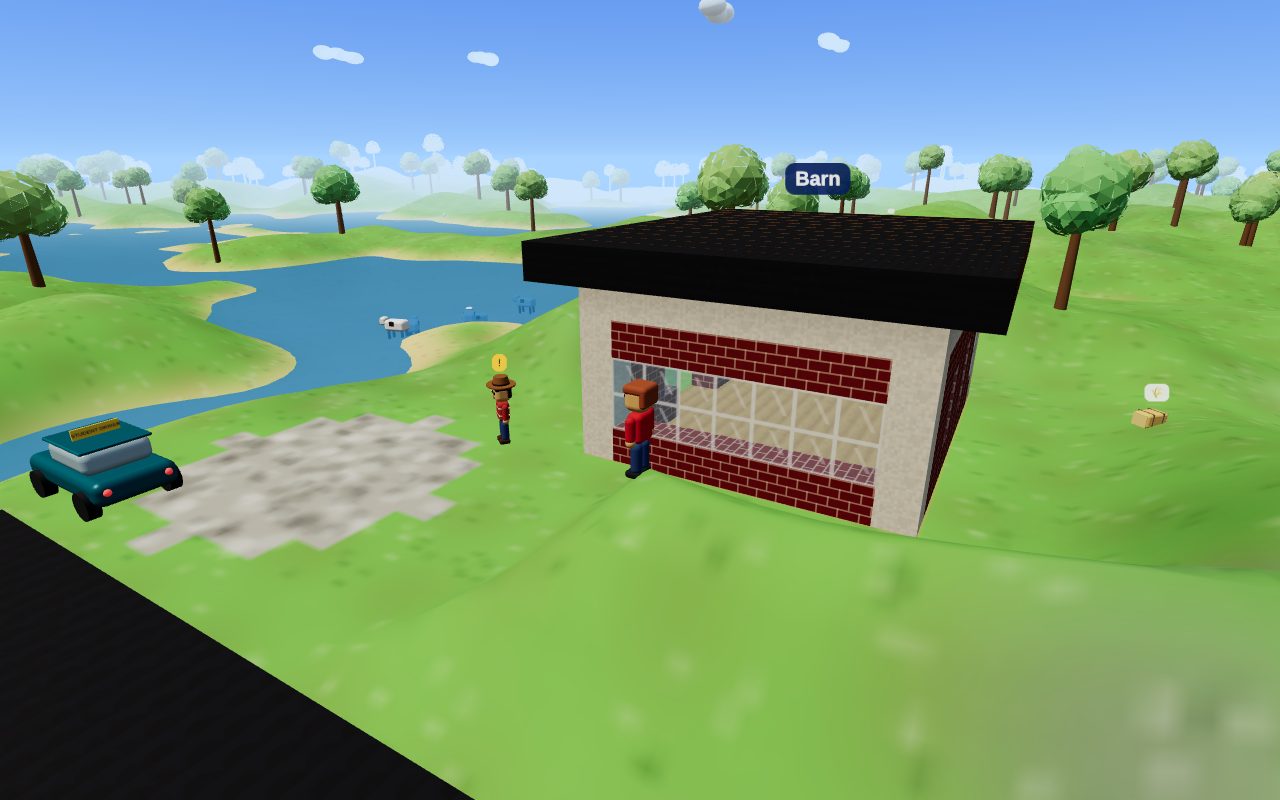
Big worlds to explore.
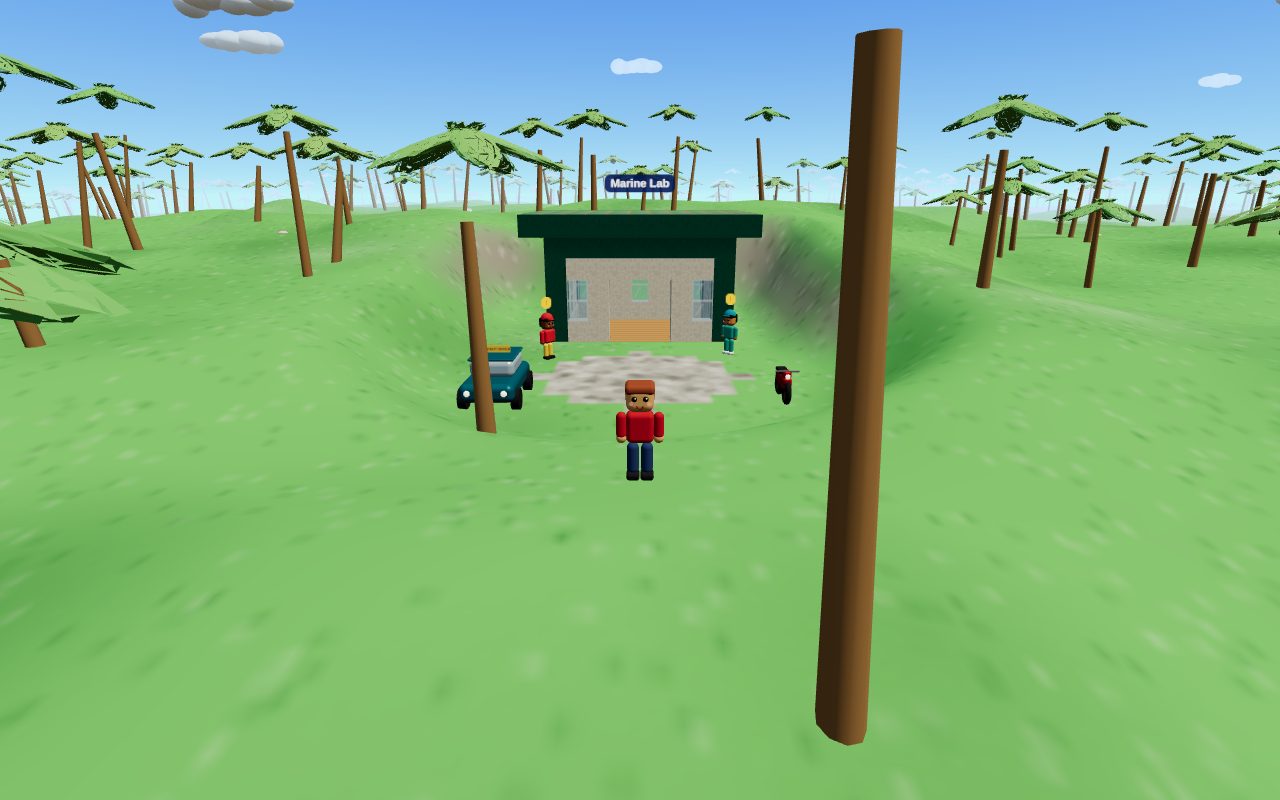
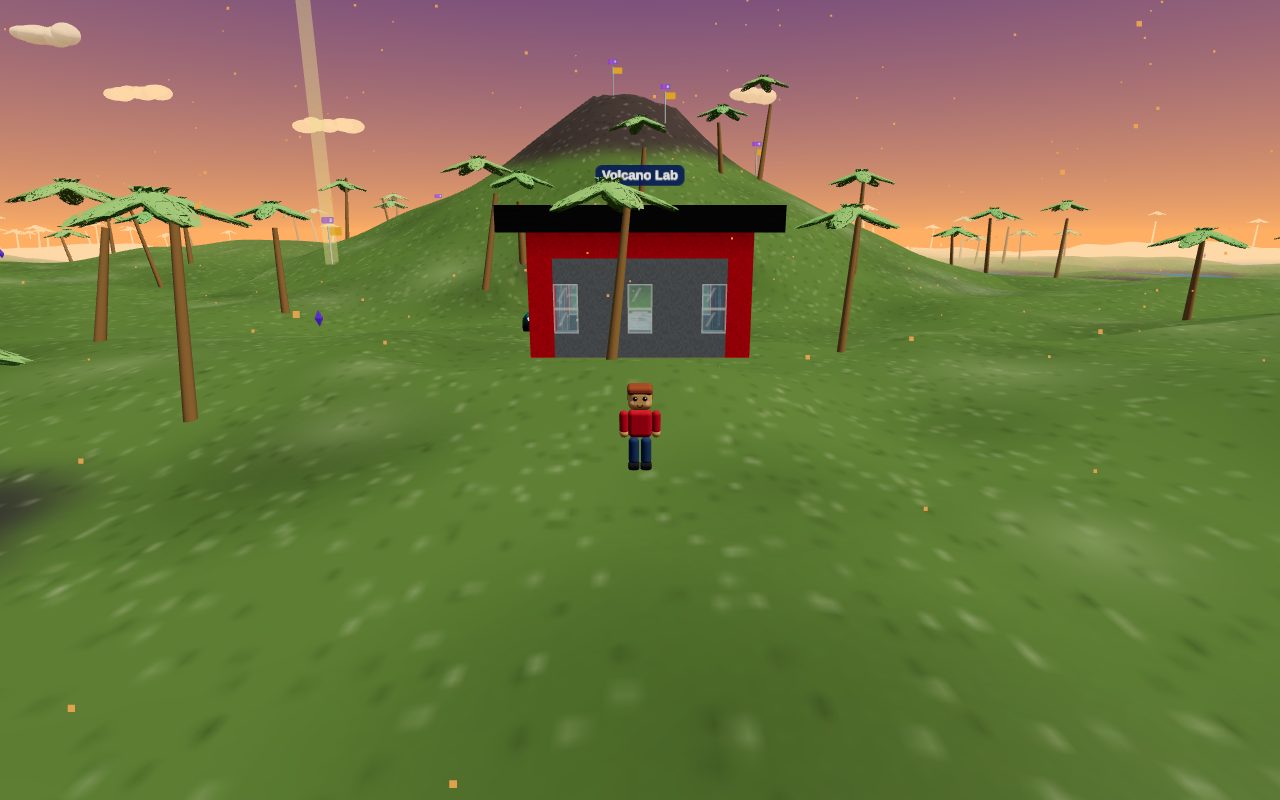
Drive a car, ride a dirt bike, fly a drone or build with blocks. There's room to roam, and something to learn around every corner.
Classroom mode, free for every teacher.
Set up a class in under a minute. Students play at home or in the lab, and you see who's done what.
- Join with a codeStudents type a 6-letter code and a nickname. No student email or account needed.
- Assign the lessonPick a world mission or a path like Driver's License or Money Smarts, and set a goal.
- Play togetherOpen a class game in any world, and students get a button to join it.
- See resultsThe roster shows each student's level, accuracy and assignments, and updates as they play. Export it to CSV anytime.
Built for kids from the first line of code.
These protections are part of how the game works, so there are no settings to hunt for.
- No open chatPlayers talk with friendly preset phrases and emotes. There's no way for a stranger to type a message to your child.
- Nicknames onlyNo real names, photos or birthdays. Leaderboards show a made-up name like "Swift Falcon 42".
- A grown-up gateSettings, purchases, the camera and public rooms all sit behind a quick grown-up check.
- No adsNone, ever. We don't sell data or show ads to kids.
- Purchases you controlTurn them off, or set a monthly limit. You get an email receipt for every one.
- Data stays on the deviceProgress is saved on the phone or computer. It's only backed up if a grown-up signs in. Read our privacy policy
Free to play. Free to learn.
Every world, every question and classroom mode are free. The optional extras are cosmetic only, so nobody can pay to win or skip the learning.
QuestCraft
Everything that teaches.
- All 50 worlds and 6 parkour maps
- Bedtime Stories with read-aloud
- 34 career and life-skill paths
- Multiplayer rooms for up to 30
- Classroom mode for teachers
Crystals
Optional, for hats and outfits.
- Cosmetics only
- Purchases go through the App Store or Google Play
- Parents can turn them off or cap them
QuestCraft Plus
Optional membership.
- 450 Crystals every month
- Members-only Gold Cap
- Double Crystals from streaks
- Cancel anytime
Questions from parents and teachers
What ages is QuestCraft for?
Ages 5 and up, including adults. Explorer mode (5–8) has big buttons, read-aloud and gentle questions. Adventurer (9–12) adds real-world skills and trickier puzzles. Master is for teens and adults, with pro-level material and exam prep.
What devices does it run on?
Any computer with a modern browser (Chrome, Edge, Safari or Firefox), Chromebooks included, and Android phones and tablets. An iPhone and iPad version is coming soon.
Do students need an email address or account?
No. Students join a class with a code and a nickname. Only the teacher signs in, with an email or phone number.
What do kids actually learn?
Each world covers a real subject, from agriculture and fire safety to space, coding, history and money. On top of that are 34 learning paths covering careers (vet, electrician, chef, drone pilot and more) and life skills like driving, saving, investing and kindness. Missed questions come back for review until they stick.
Can my child play with friends?
Yes. Tap "Play together" for a private room code to share with family and friends. Public rooms are off until a grown-up turns them on, and there's no open chat either way.
Can my child play on more than one device?
Yes, if you want. In your grown-up account, give your child a 4-digit PIN (or a picture PIN for little ones). They sign in on another phone, tablet or computer with your family code, their nickname and the PIN, and their progress follows them. Kids never give an email or phone number.
Is there religious content?
World Religions Plaza teaches about many faiths in a neutral, factual way. Separately, Bible Stories (a world and bedtime stories retold from the Bible) is included for families who want it, and a grown-up can hide it for any player with one switch.
Is there a cost for schools?
No. Classroom mode is free. If your school or district wants something more, like a larger rollout or custom content, email us.
Ready when they are.
Start playing in your browser in seconds, with no account needed.